Google Maps Reviews & Reputation Management: Practical Guide
When someone finds your business on Google Maps, your reviews are the first thing they judge you by — before your website, before your prices, often before they even read what you do. Star ratings and review content also feed directly into where you rank in local search results. That makes Google Maps reviews one of the highest-leverage assets a local business has, and managing them well is very doable once you know the mechanics. This guide covers why reviews matter, how to get more of them the right way, how to respond, and how to analyze reviews at scale — yours and your competitors'.
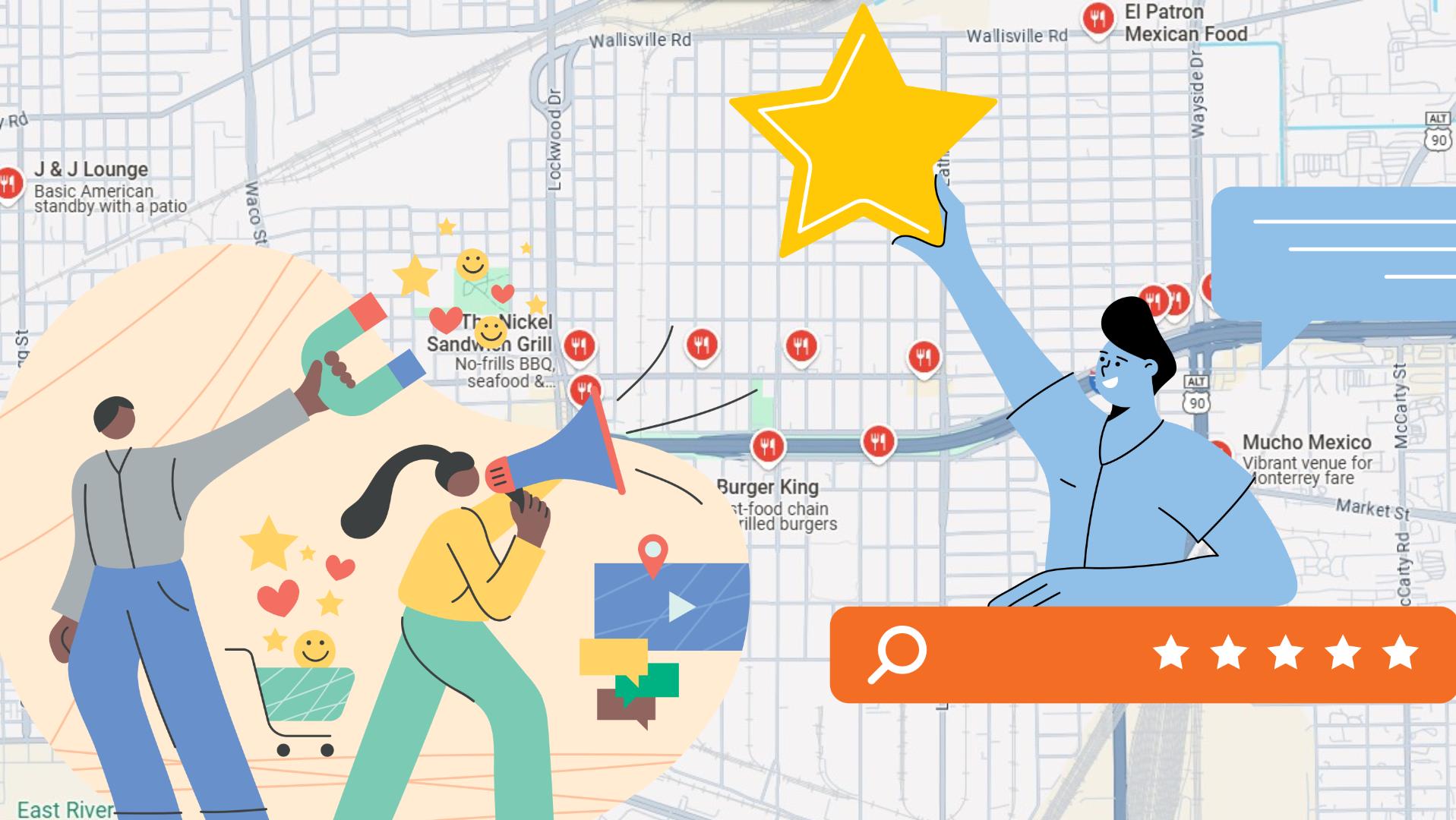
Why Google Maps reviews matter so much
They're a local ranking factor. Google has confirmed that review signals — quantity, quality, and recency — influence local search rankings. If you track the local rankings of any business against its competitors, the pattern is clear: businesses with more and better reviews consistently rank higher in the map pack. (If you want to actually measure this for a business, a local rank tracker like GMBRadar shows exactly where a Business Profile ranks across a local area and how it moves as reviews accumulate.)
They're social proof at the decision moment. A searcher comparing three plumbers on the map will call the 4.7-star one with 200 reviews before the 3.9-star one with 12. Reviews function as word-of-mouth at scale, delivered exactly when the customer is choosing.
They're free market research. Every review is a customer telling you, in their own words, what you're doing right and what's driving them away. Most businesses never systematically read this feedback — which is an opportunity for those that do.
How to get more reviews (without breaking Google's rules)
Ask, consistently. The single biggest driver of review volume is simply asking. Ask right after the moment of satisfaction — job completed, meal finished, order delivered. Make it systematic: a follow-up text or email, a QR code at the counter, a link on the receipt.
Make it one click. Google provides a direct review link for every Business Profile — share that, not "find us on Google". Every extra step loses people.
Aim for steady flow, not bursts. A trickle of reviews every week looks natural and keeps your profile fresh; fifty reviews in one weekend and then silence looks suspicious to both Google and customers.
Responding to reviews: the part most businesses skip
Respond to negative reviews quickly and calmly. The response isn't really for the reviewer — it's for the hundreds of future customers who will read the exchange. Acknowledge the issue, don't argue, state what you've done about it, and take the details offline. A well-handled complaint often builds more trust than a five-star review.
Respond to positive reviews too. A short, specific thank-you signals to customers (and to Google) that the business is active and engaged. Vary the wording — copy-pasted responses read worse than none.
Flag genuinely fake reviews. If a review violates Google's policies (spam, wrong business, fake), report it through your Business Profile rather than fighting it publicly.
Analyzing reviews at scale — yours and your competitors'
Reading reviews one by one works for a corner café. It stops working when you have hundreds of reviews, multiple locations, or want to study competitors. That's when you want reviews as structured data — every review with its rating, date, text, and reviewer, in a spreadsheet you can filter and analyze.
The Google Maps Reviews Crawler automates exactly that: you search Google Maps in a Chrome window, and the tool opens each business in the results, sorts its reviews by newest, scrolls until all of them are loaded, and extracts everything into a grid you can export to CSV or Excel. It can collect the reviews of every business in a search — not just one — which is what makes competitor-wide analysis practical.
What businesses and agencies do with the exported data:
Sentiment and theme analysis. Filter your one- and two-star reviews and read them together — patterns jump out immediately (a specific employee, a delivery problem, a pricing complaint). Do the same with five-star reviews to learn what to double down on.
Competitor analysis. Extract the reviews of the top-ranking competitors in your niche and study their complaints. Their unhappy customers are telling you exactly how to win their business — and their strengths show you the standard you're being compared against.
Reputation monitoring for agencies. Agencies managing multiple clients export reviews periodically to track rating trends, response rates, and emerging issues across every location in one spreadsheet — and pair it with lead data from a Google Maps scraper when prospecting for new clients whose reviews suggest they need help.
One recent caveat worth knowing: Google has been rolling out interface changes (the "Limited View" update) that quietly broke review extraction in many tools and APIs. This is why actively maintained tools matter — extraction only stays reliable if the tool is updated whenever Google changes the page.
A simple monthly reputation routine
- 1. Export your reviews and your top competitors' reviews once a month.
- 2. Check the trend: average rating, review volume, and response rate versus last month.
- 3. Read every new negative review and respond within days, not weeks.
- 4. Pull one operational improvement from the feedback and actually implement it.
- 5. Keep the ask-for-reviews system running — steady inflow beats occasional pushes.
Frequently asked questions
Do Google reviews really affect local rankings?
Yes — review signals are an established local ranking factor, alongside relevance, distance, and profile completeness. More high-quality, recent reviews correlate strongly with better map-pack visibility.
Can I extract all reviews of a business from Google Maps?
Yes. The Google Maps Reviews Crawler loads a business's full review list and exports it — rating, text, and date per review — to CSV or Excel. It works across every business in a search too, so you can collect an entire niche's reviews in one run.
Should I respond to every review?
Respond to every negative review, always. For positive reviews, respond to as many as you reasonably can — even brief responses help. What matters most is that recent reviews show an engaged owner.
Can I remove a bad review?
Only Google can remove reviews, and only ones that violate its policies. For legitimate negative reviews, your response is the tool — and over time, a steady flow of new positive reviews dilutes old bad ones.
Conclusion
Reputation management on Google Maps comes down to a loop: earn reviews consistently and honestly, respond to them visibly, and actually read what they're telling you. Do it with data — your reviews and your competitors' exported and analyzed rather than skimmed — and it stops being a vague marketing chore and becomes one of the clearest feedback and ranking levers a local business has.
You might also like:
Why Antivirus Software Sometimes Blocks Automation Tools (and How to Fix It)
One common annoyance for users is that antivirus software sometimes blocks automation tools or shows warnings while they run. This article explains why this happens (it affects more than just Botsol), and provides practical steps to prevent interruptions.
Google Maps Reviews & Reputation Management: Practical Guide
When someone finds your business on Google Maps, your reviews are the first thing they judge you by — before your website, before your prices, often before they even read what you do. Star ratings and review content also feed directly into where you rank in local search results. T
Web Scraping vs Web Crawling: What's the Difference?
"Web scraping" and "web crawling" get used interchangeably all the time, including in product names which understandably confuses people. The two terms do mean genuinely different things, though the line has blurred as most practical tools these days do a bit of both. Here's the actual distinction, and what it means for choosing between similarly-named tools.